GitHub Dashboard - Chrome Extension
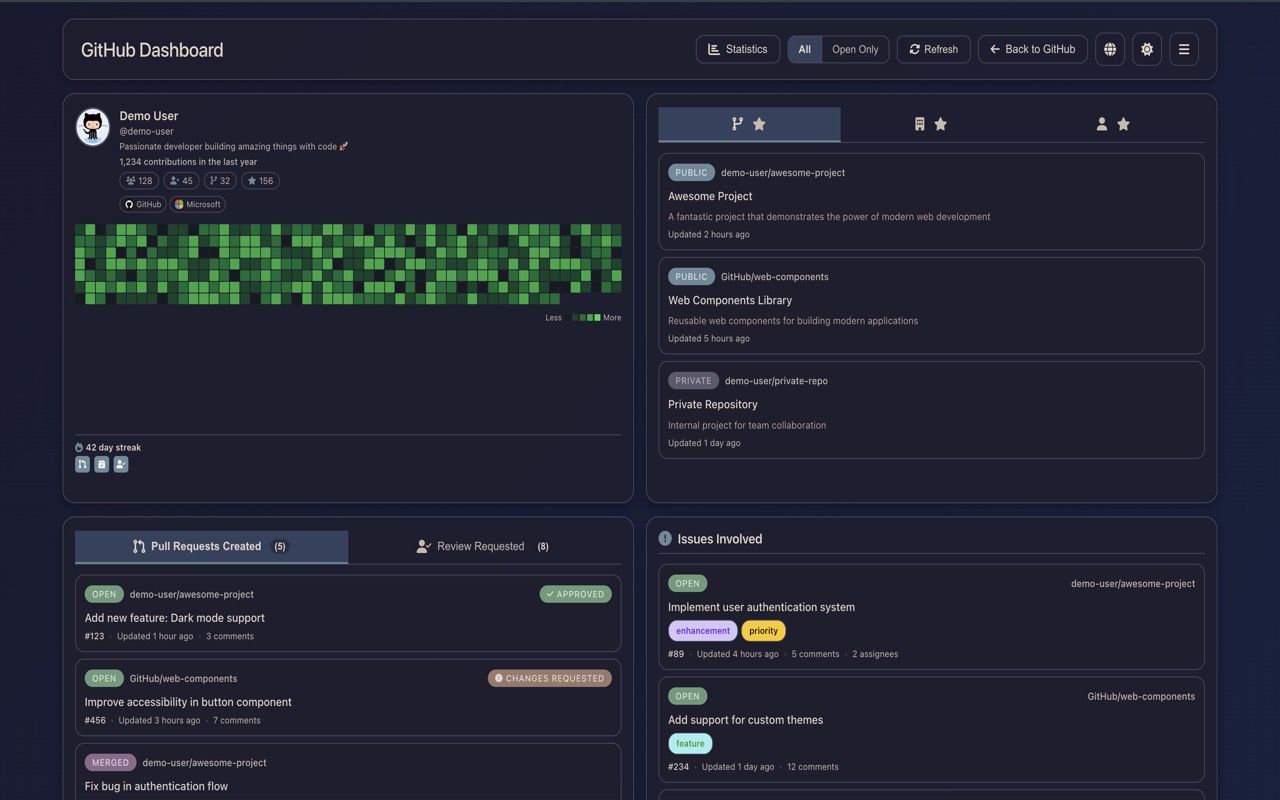
A Chrome extension that displays your GitHub activity on GitHub.com as a unified dashboard, including pull requests, issues, and recently updated repositories.
Overview
Stop jumping between repositories and organizations. GitHub Dashboard consolidates your entire GitHub activity into a single, beautiful dashboard that appears directly on GitHub.com.
The Problem
When working across multiple repositories and organizations, keeping track of PRs, issues, and repository activity becomes fragmented. You constantly switch tabs, miss review requests, and lose track of your contributions.
Features
Pull Request Management
- Created PRs: Track all pull requests you've created across any repository
- Review Requests: Never miss a PR that needs your review
- Reviewed PRs: Keep track of PRs you've already reviewed with clear visual indicators
- Smart Filtering: Filter by review status (approved, changes requested, commented, etc.)
Issue Tracking
View all issues you're involved with across all your repositories and organizations in one place.
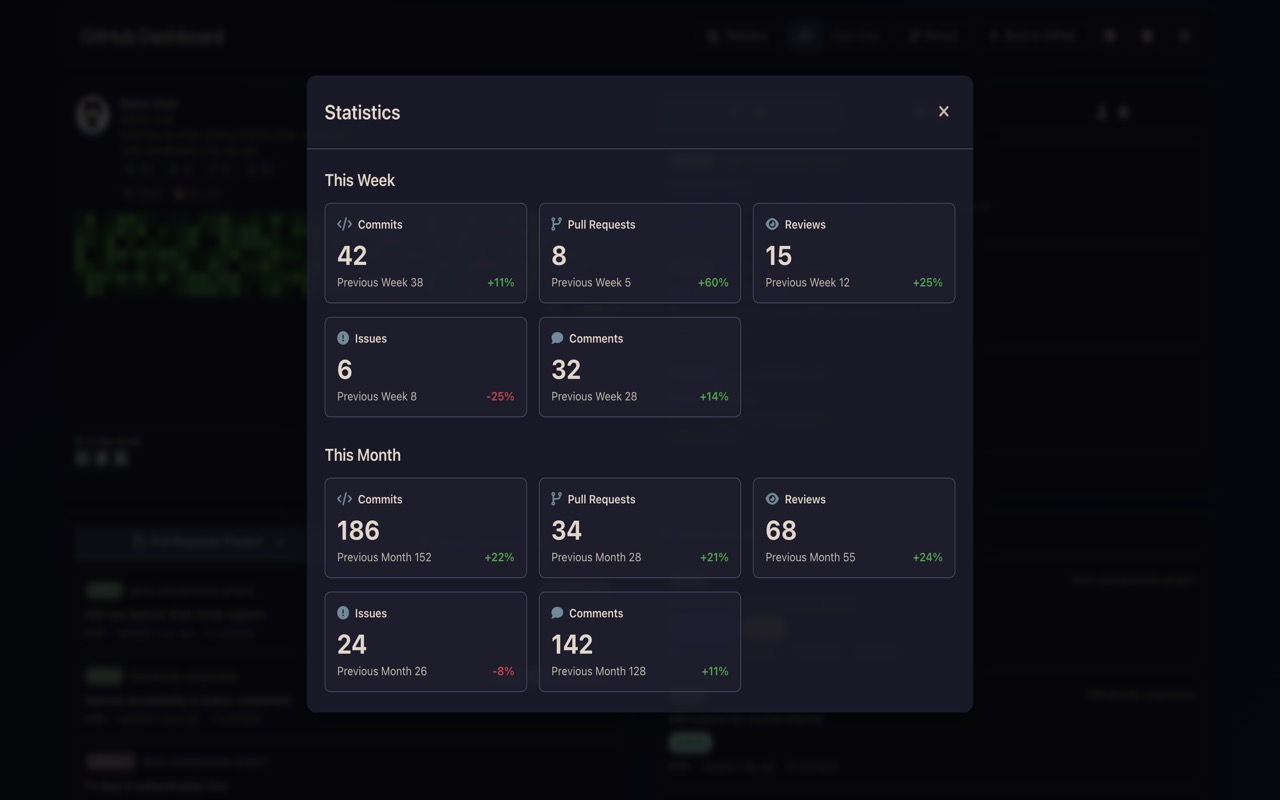
Activity Statistics
Get insights into your GitHub activity with comprehensive statistics:
- Weekly & monthly comparisons
- Commit tracking across all repositories
- PR & review metrics
- Issue and comment activity
Repository Management
- All Repositories: Browse recently updated repositories from all sources
- Organization Repos: Dedicated view for organization repositories
- Favorite Repositories: Star frequently used repositories for instant access
- Auto-refresh: Automatically loads repositories when switching tabs
Customizable Interface
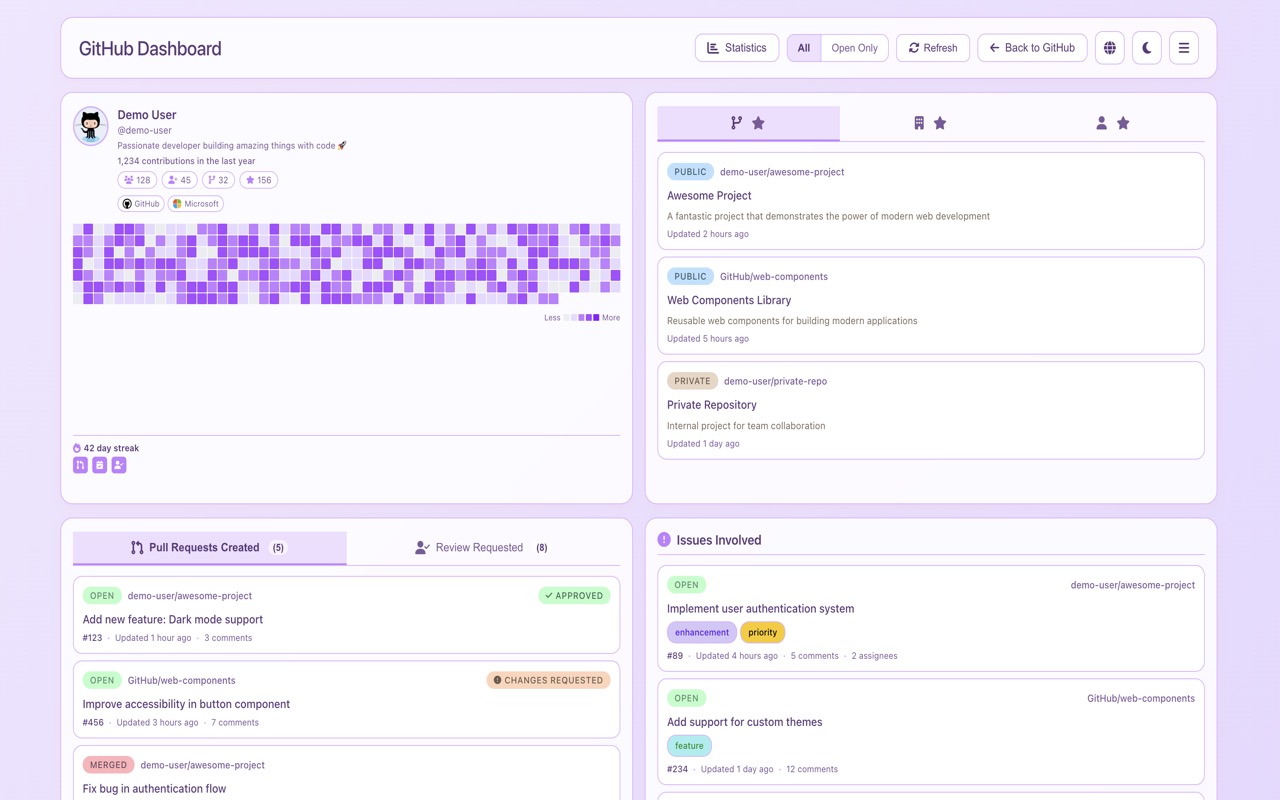
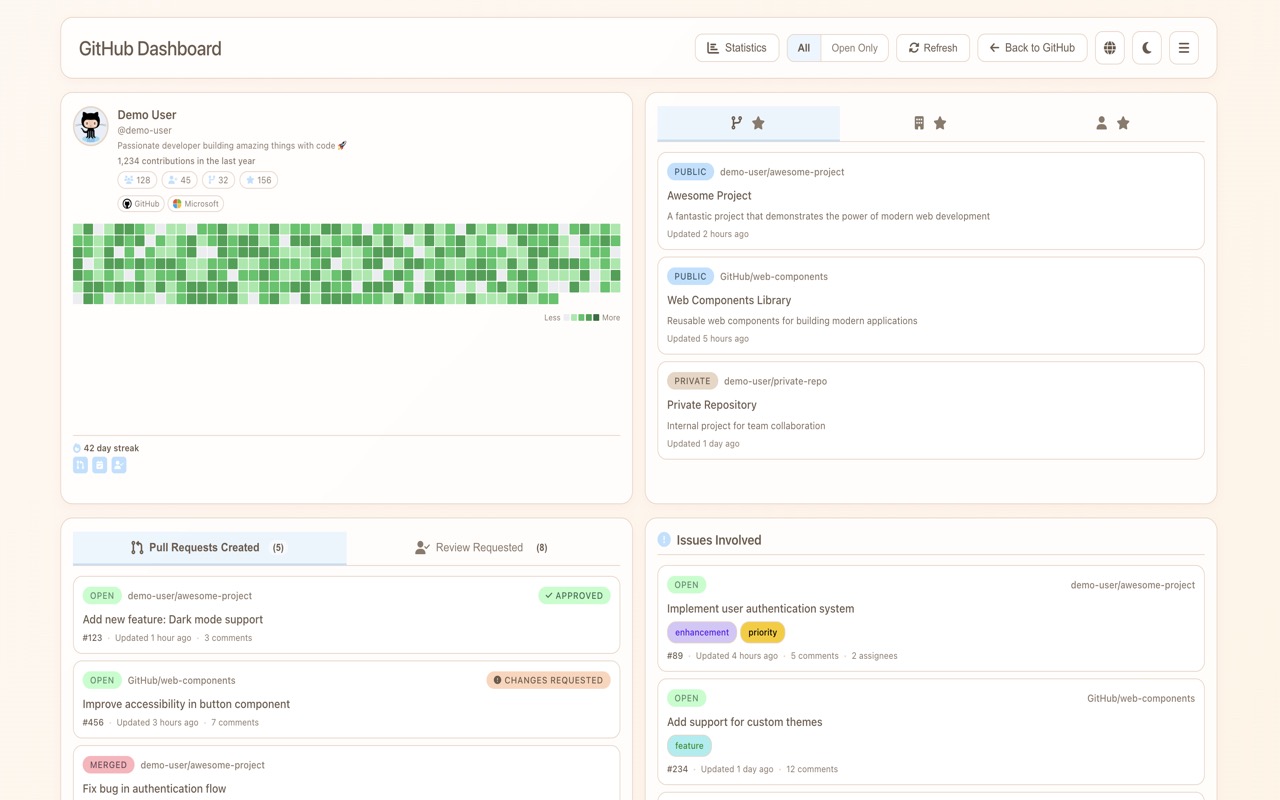
- Multiple themes (light, dark, colorful)
- Responsive design for all screen sizes
- Smart caching for improved performance
Tech Stack
- Language: TypeScript
- UI Framework: React
- Architecture: Clean Architecture with DDD principles
- Storage: Chrome Storage API + IndexedDB
- Authentication: GitHub OAuth Device Flow / Personal Access Token
Architecture
This project follows Clean Architecture principles with clear separation of concerns:
src/
├── domain/              # Business logic, entities, use cases
├── application/         # Services and DI
├── infrastructure/      # GitHub API, Chrome Storage, Cache
└── presentation/        # React components
- Domain Layer: Business logic with no dependencies
- Application Layer: Services and application-specific logic
- Infrastructure Layer: External dependencies (GitHub API, Chrome Storage)
- Presentation Layer: UI components
Security
- OAuth Support: Secure OAuth authentication using GitHub's Device Flow (recommended)
- Manual Token Option: Support for Personal Access Tokens for fine-grained control
- Read-Only Access: The extension only performs read operations—your data is never modified
Links
Gallery